How It Works

From paper problem to clear study steps.

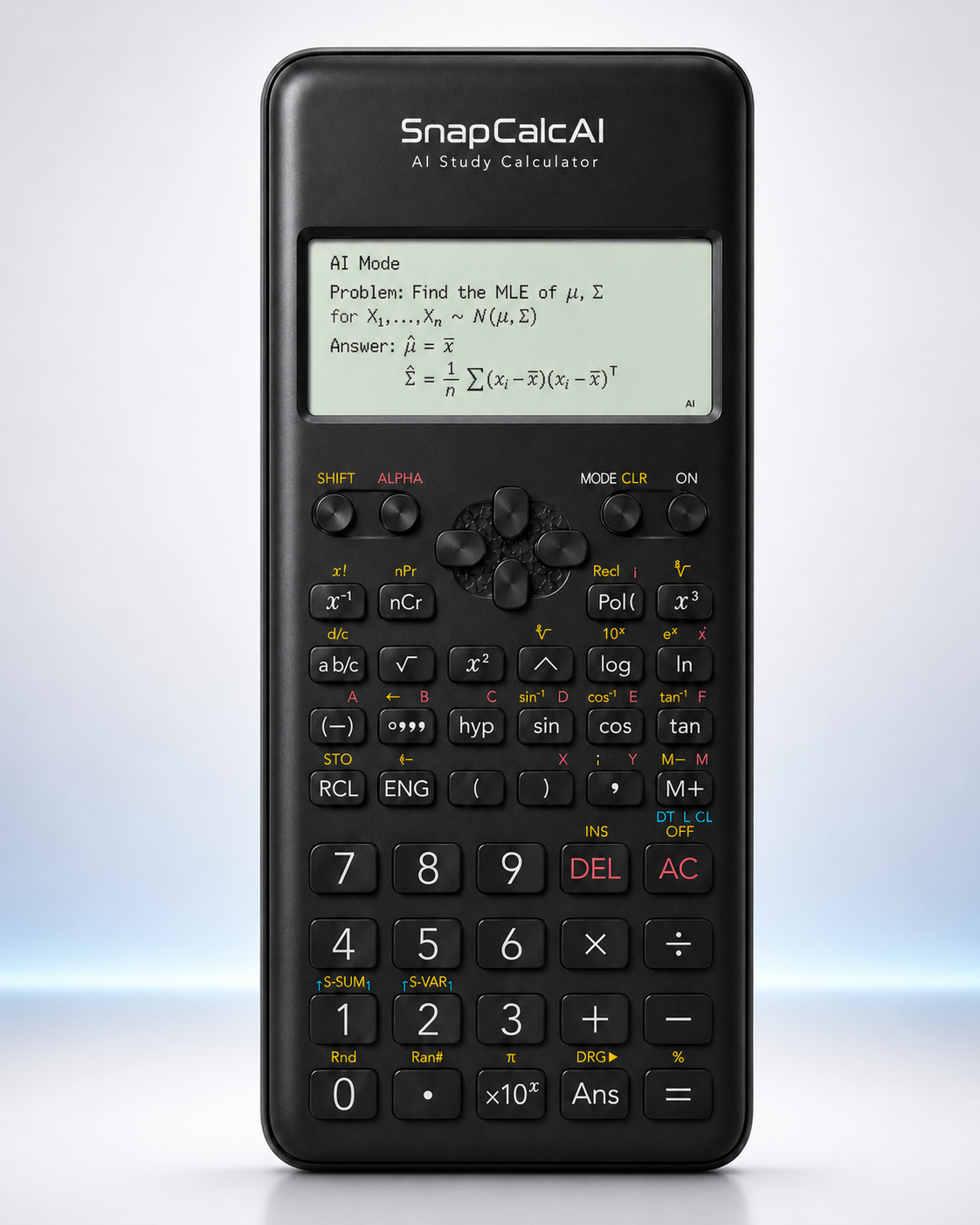
SnapCalcAI explains the product experience in simple user-facing steps, without exposing backend architecture.

Four-Step Flow

A simple study flow.

01

Take a photo

Capture the paper problem with the device camera.

02

AI reads the question

OCR recognition prepares the question for study assistance.

03

Get step-by-step help

Review the answer and the reasoning path.

04

Review on the calculator display

See the explanation in a calculator-style screen experience.

Static Flow Visual

Paper question to device display.

Paper question

The learner starts from a simple written problem.

Camera capture

The device captures the question for AI study mode.

OCR text

The question is prepared as recognized text.

Answer and steps

The result is shown with a short explanation path.

AI Mode

What happens in AI mode.

Camera-based capture

The experience starts from the device camera.

OCR recognition

The question is recognized before explanation.

AI-generated explanation

The answer is paired with study-oriented steps.

Display-ready result

The result is formatted for a calculator-style screen.

Responsible Use

Built for learning, not rule-breaking.

SnapCalcAI is designed as a learning support tool. It should not be used to violate school or exam rules.